Bareco Enterprises
Contractors on job sites needed a quick way to see which boom lifts or aerial lifts were open for a given week, and the owner wanted to update rental dates from his phone without complicated rental software.
Contractors can check whether a lift is open in seconds from a job site phone before calling to book.
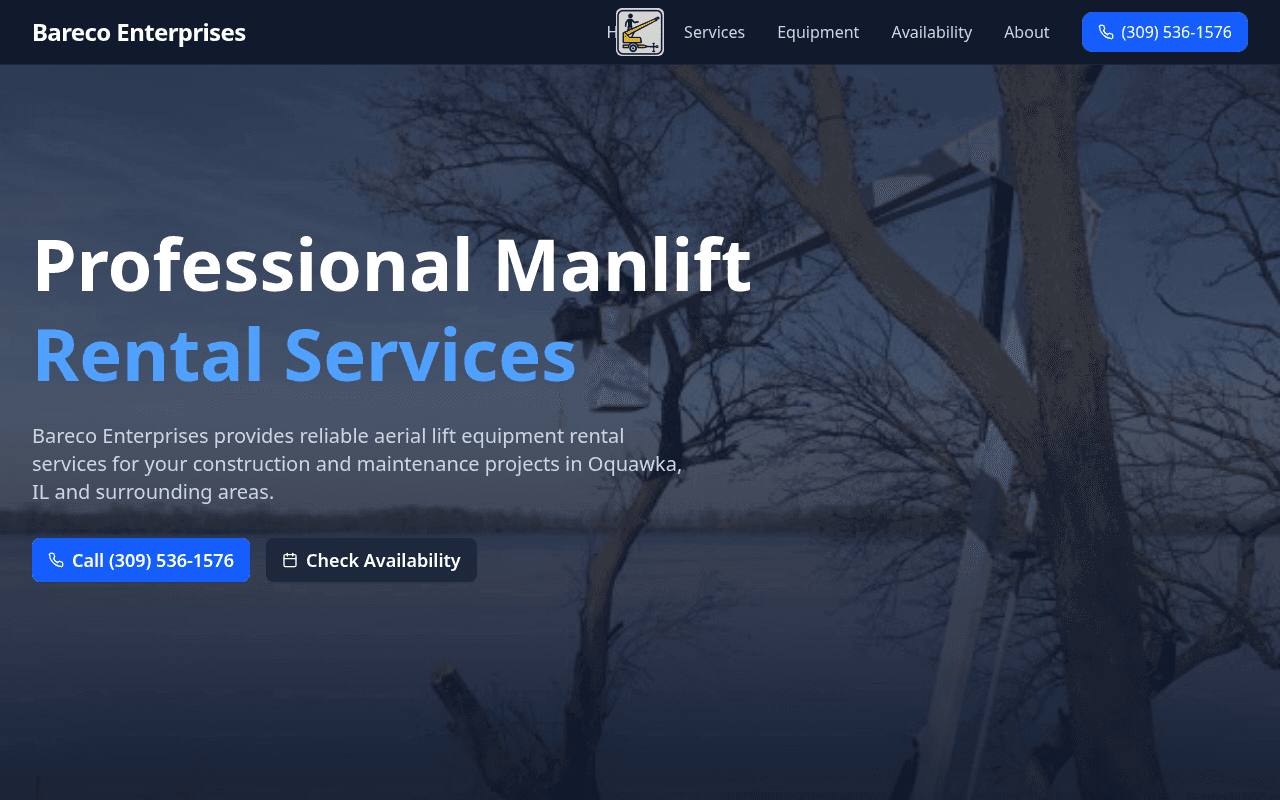
- Contractors had to call first just to find out if a lift was available for their dates
- Off-the-shelf rental software was overkill and clumsy to update from a phone
- Equipment specs (working height, reach, capacity) weren’t posted online for quick reference
- Live /availability calendar shows open and booked dates for each lift at a glance
- Owner logs in from his phone to mark rental dates booked or open in seconds
- Clear machine spec cards and 1-tap call buttons built for contractors on mobile
How It Works Step-by-Step
Here is what happens when a customer, resident, or staff member uses Bareco Enterprises:
Contractor Opens Site on Phone
Views the aerial and boom lift fleet specs right from the job site.
Checks Live Calendar
Opens /availability to see which machines are open for the week they need.
Taps to Call & Book
Calls the owner with one tap knowing the lift is available.
Owner Updates Dates on His Phone
Owner logs in and blocks off the rental window in seconds.
Other Live Projects
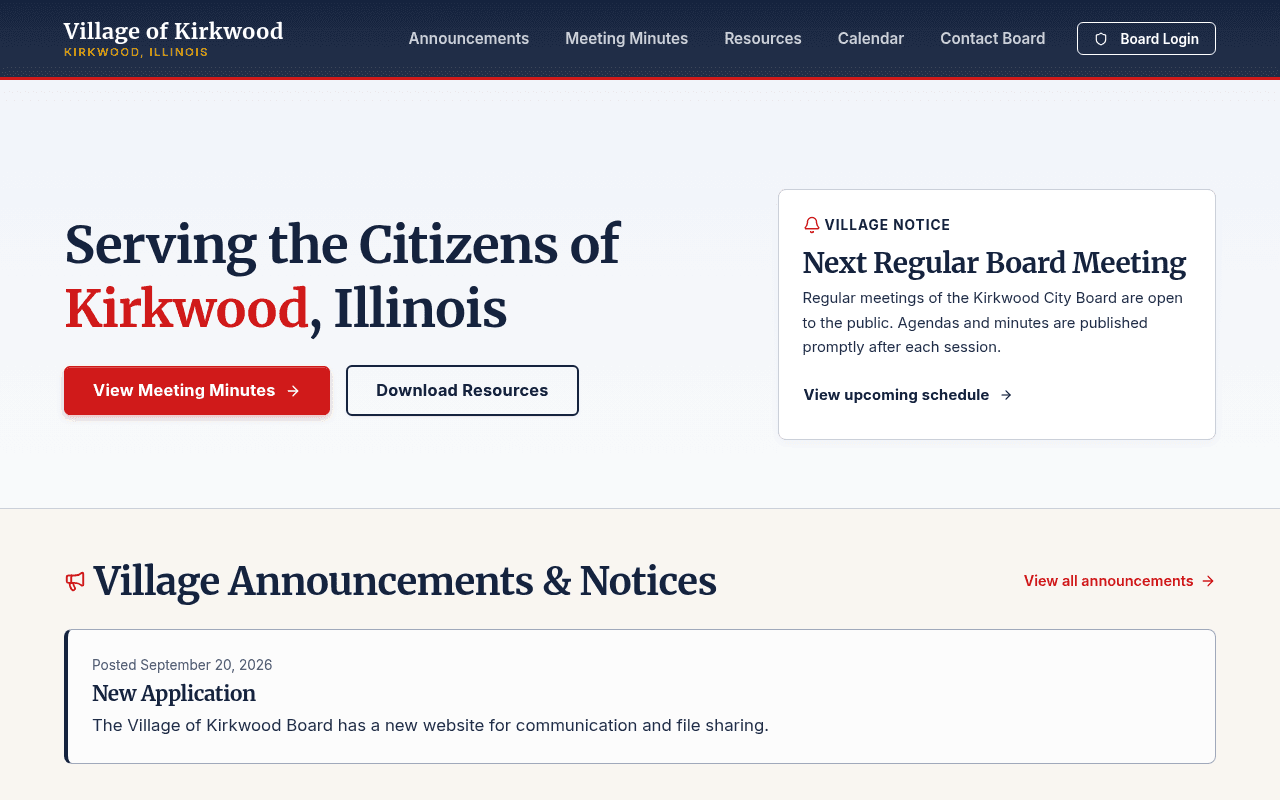
The village clerk posts meeting minutes or announcements once, and every subscribed resident and board member gets an email or phone alert automatically.
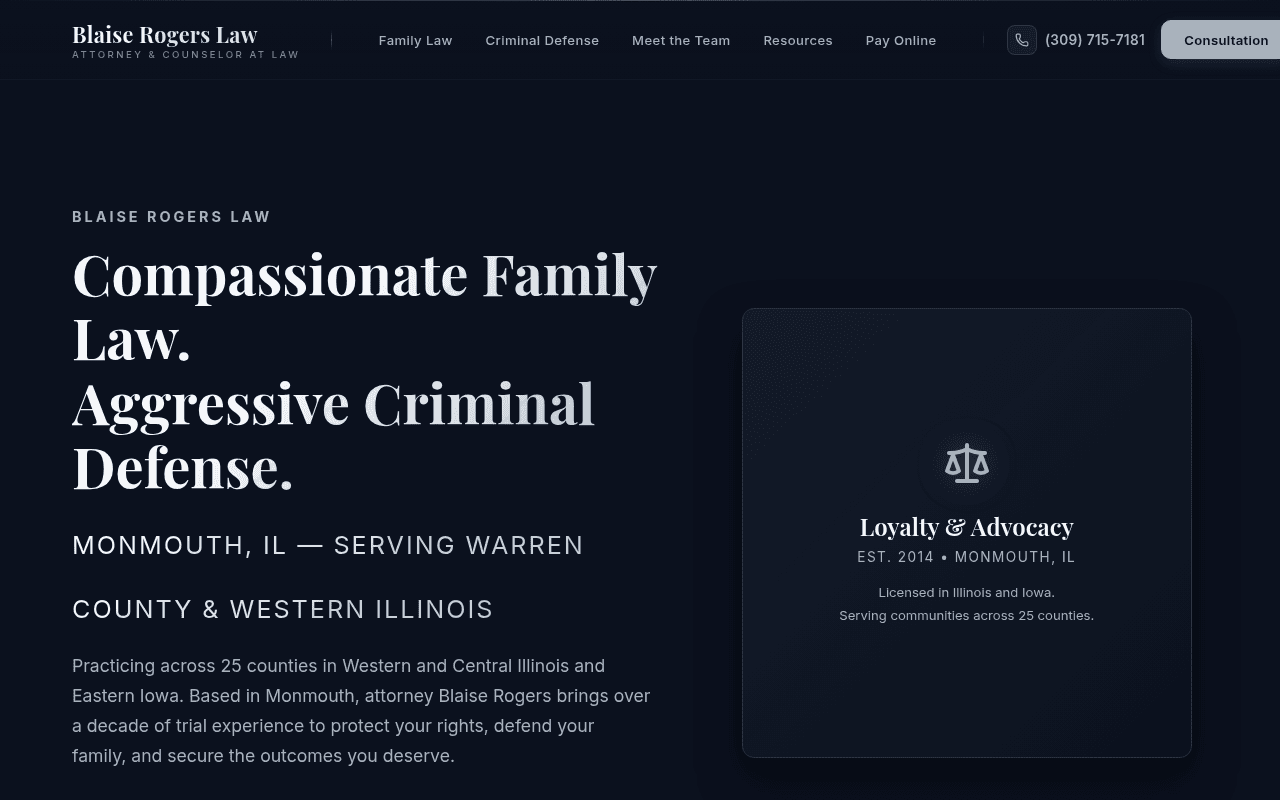
Clients sign their engagement agreement and pay their retainer in one guided step, while the right staff members get notified right away.
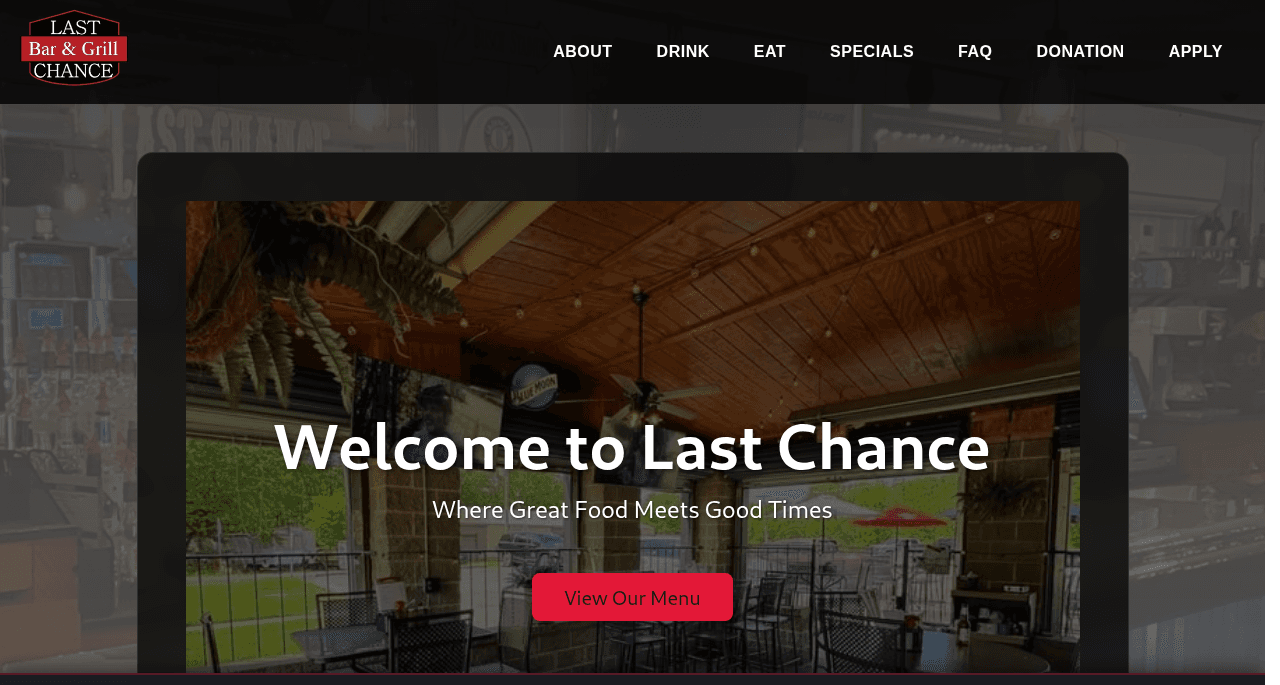
Want something like this built for your business or town?
Request a free live preview of what your website could look like ($0 down, $150/month all-inclusive), or reach out to scope a custom portal or workflow.