Blaise Rogers Law
Collecting signed agreements, retainer payments, and intake details in separate steps slowed down new client onboarding. The firm also needed its Microsoft 365 email and files migrated to a new tenant.
Clients sign their engagement agreement and pay their retainer in one guided step, while the right staff members get notified right away.
/ — Practice Areas & Client Portal 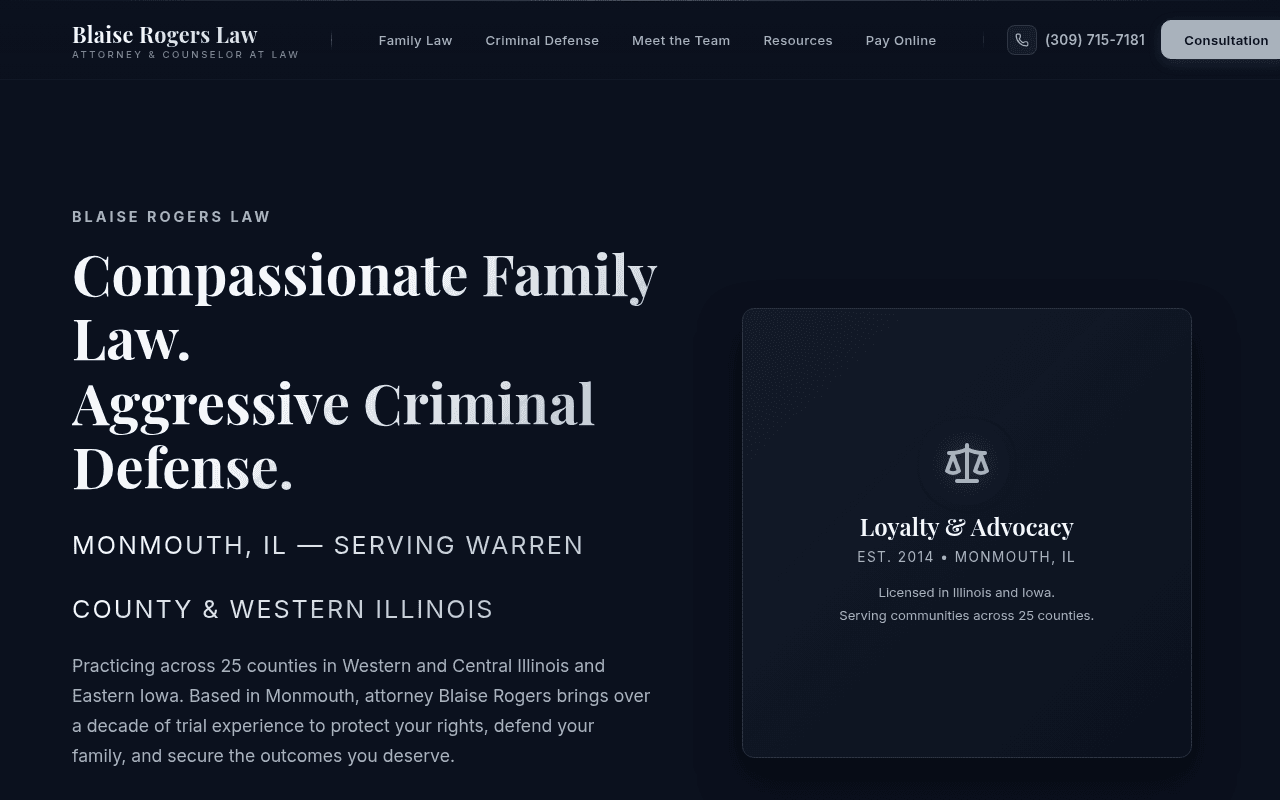
- Client agreements and retainer payments were collected in separate, disconnected steps
- Staff had to check multiple places to confirm a client had both signed and paid
- Email mailboxes and OneDrive files needed to be moved across Microsoft 365 accounts
- Clients sign their paperwork and pay their retainer in a single guided online flow
- Staff email alerts route each completed intake and payment to the right team members
- Microsoft 365 email and OneDrive files migrated cleanly to the new setup
How It Works Step-by-Step
Here is what happens when a customer, resident, or staff member uses Blaise Rogers Law:
Client Fills Out Online Intake
Client selects their legal need and enters their details on any phone or computer.
Signs Agreement Online
Reviews and digitally signs the engagement document right in the browser.
Pays Retainer Immediately
The signed agreement steps directly into online payment collection.
Staff Get Notified
Subscribed staff members receive an email alert confirming both the signed document and payment.
Other Live Projects
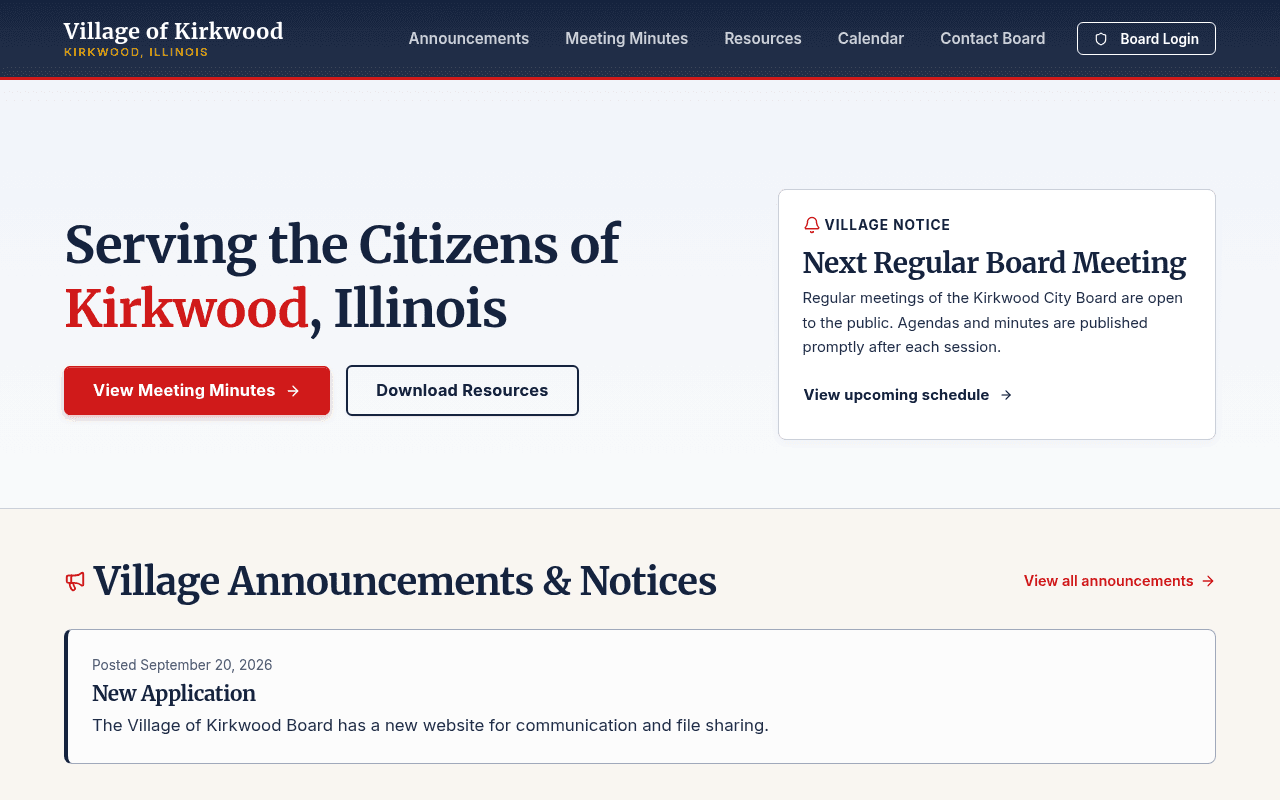
The village clerk posts meeting minutes or announcements once, and every subscribed resident and board member gets an email or phone alert automatically.
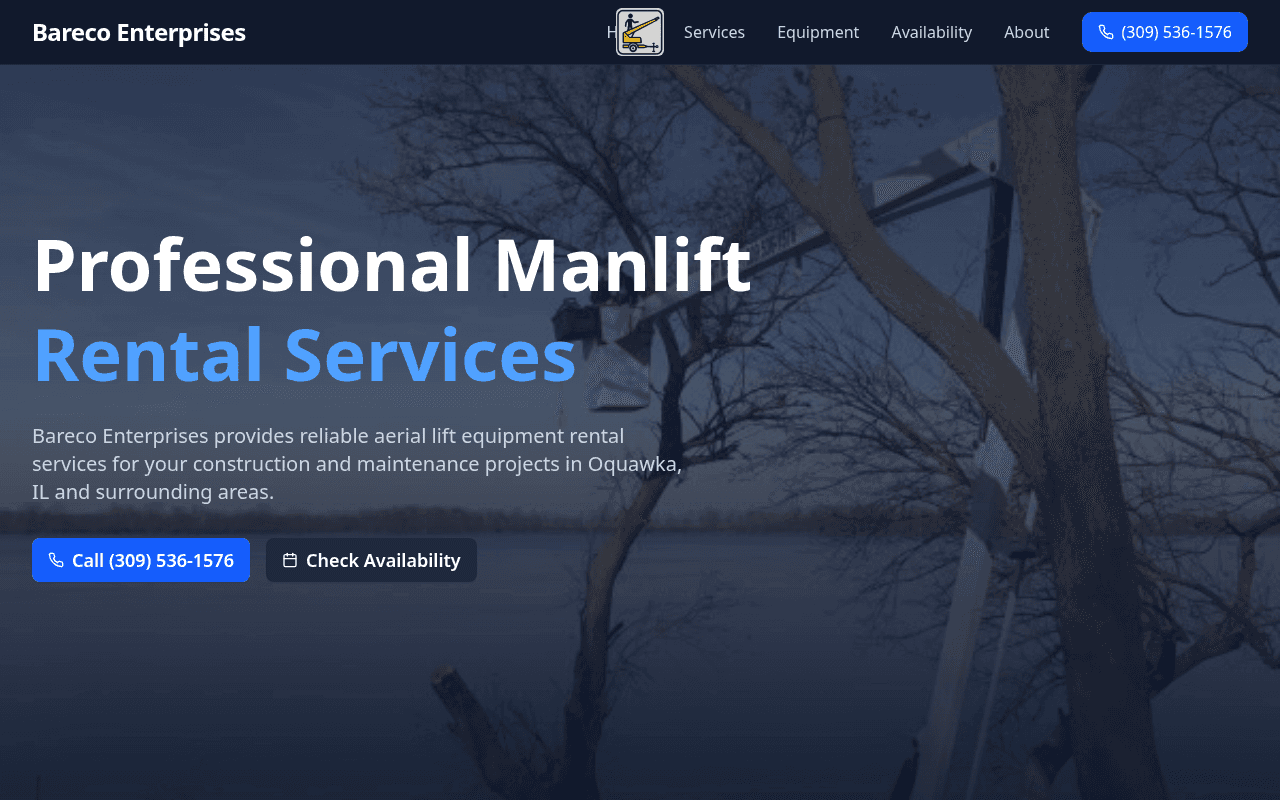
Contractors can check whether a lift is open in seconds from a job site phone before calling to book.
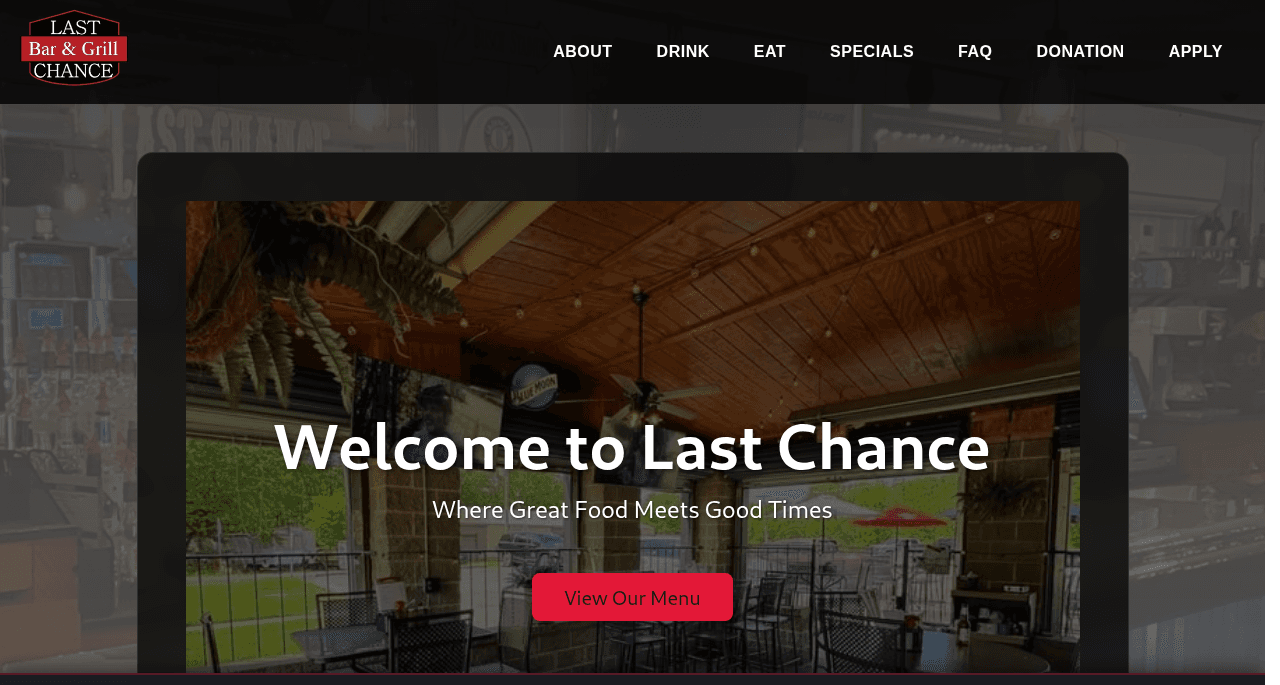
Want something like this built for your business or town?
Request a free live preview of what your website could look like ($0 down, $150/month all-inclusive), or reach out to scope a custom portal or workflow.